
Sign in
Both screens ask who you are, unless the control plane runs in development mode without a database.
| You have | Sign in with | Good for |
|---|---|---|
| Nothing set up yet | An API token made on the server | The first administrator, automation |
| An identity provider (OpenID Connect) | Continue with your provider | People, once an administrator has added it |
| No provider | A username and password (local account) | Small installations |
The first time: an API token
On the server:
DATABASE_URL=… apelora-control-plane token create --name me --role fabric-adminThe token is shown once. Roles are fabric-admin, operator, studio-designer and auditor; every token expires (90 days unless you choose 1 to 365). In the Console, paste it into API token and choose Sign in. In the Studio, choose the chip that says This browser · not connected, then connect with the token. It is kept only for that browser tab.
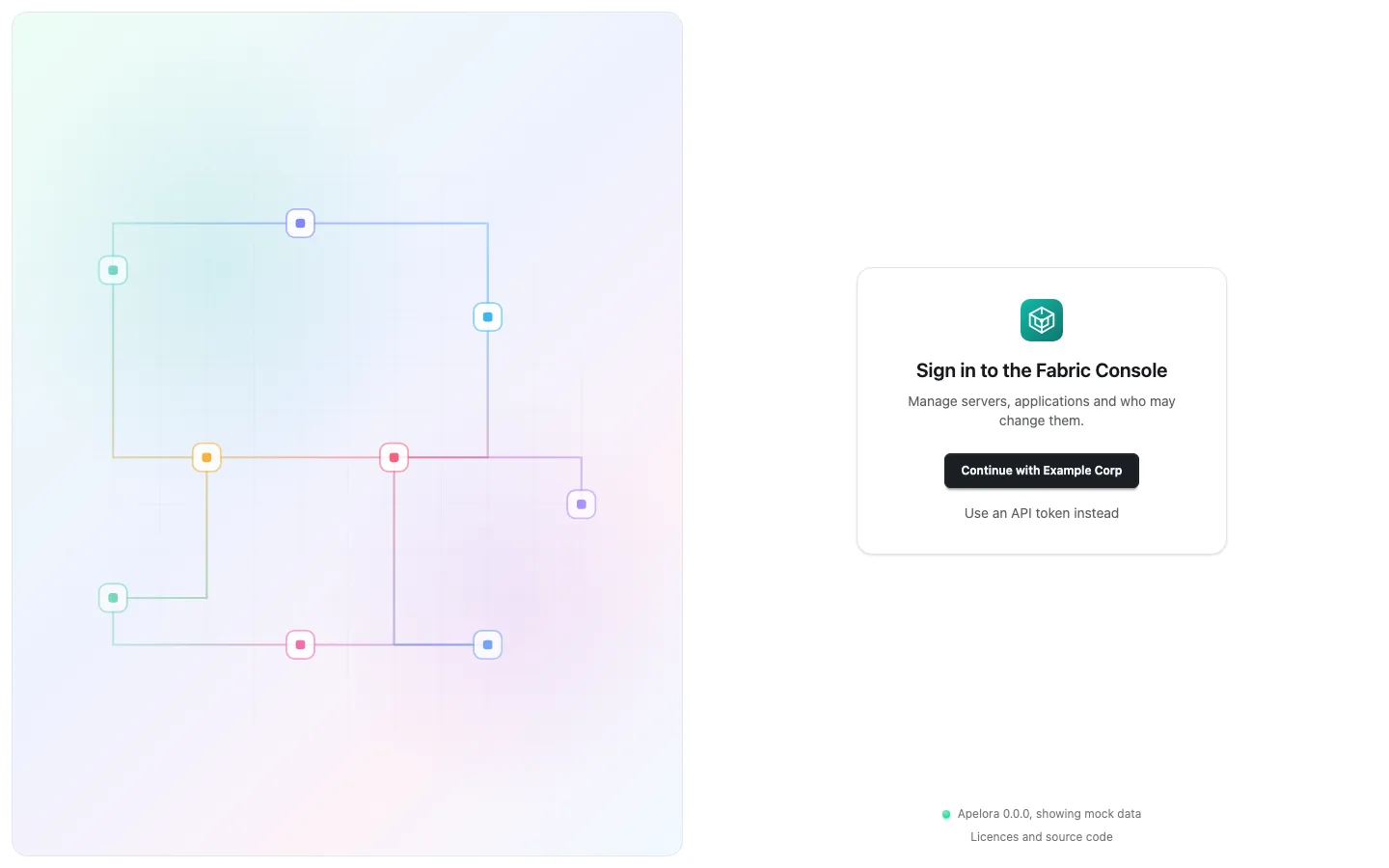
Then: your organisation's identity provider
An administrator adds the provider in the Console under Identity & Access → Sign-in. People then choose Continue with …; their account is created at the first sign-in without any role, and an administrator gives them one. Apelora never sees their password.
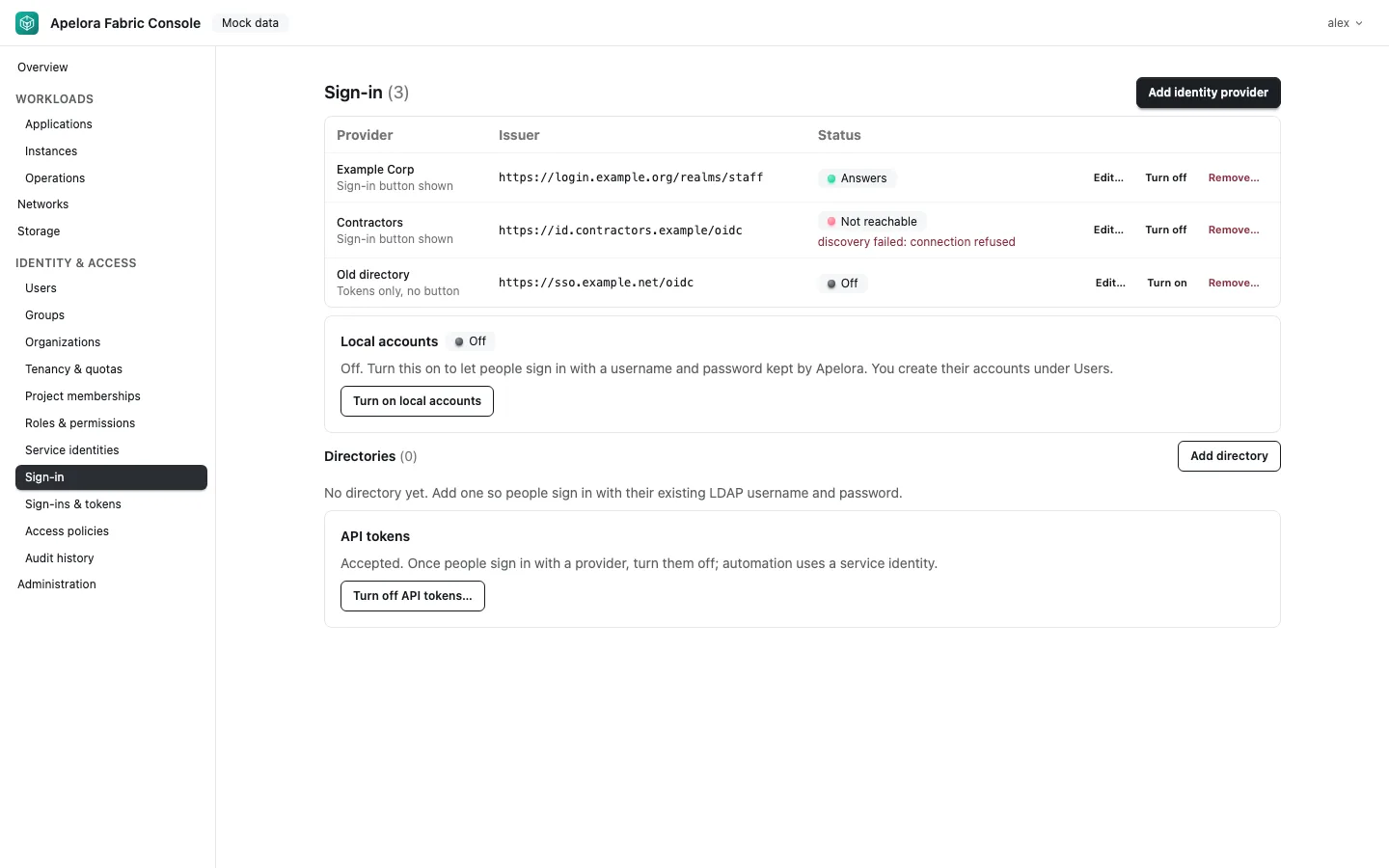
Everything else, including messages you may see and how local accounts and directories work, is in the signing-in guide. Roles and what each may do: access, roles and security.