
Documentation
Install Apelora Fabric on your servers, design and deploy applications, and keep them running.
Start here: from nothing to a managed application
- 1Before you startWhat Apelora is made of and what you need.
- 2Try itThe designer in a minute; the whole stack in a lab on your machine.
- 3Servers and networkHow many servers, how many network cards, which IP addresses.
- 4Install IncusWhere to download it, how to form the cluster, networking and certificates.
- 5Install ApeloraPostgreSQL, control plane, worker, the two screens, the first administrator.
- 6Sign inA token to begin with, your identity provider for people.
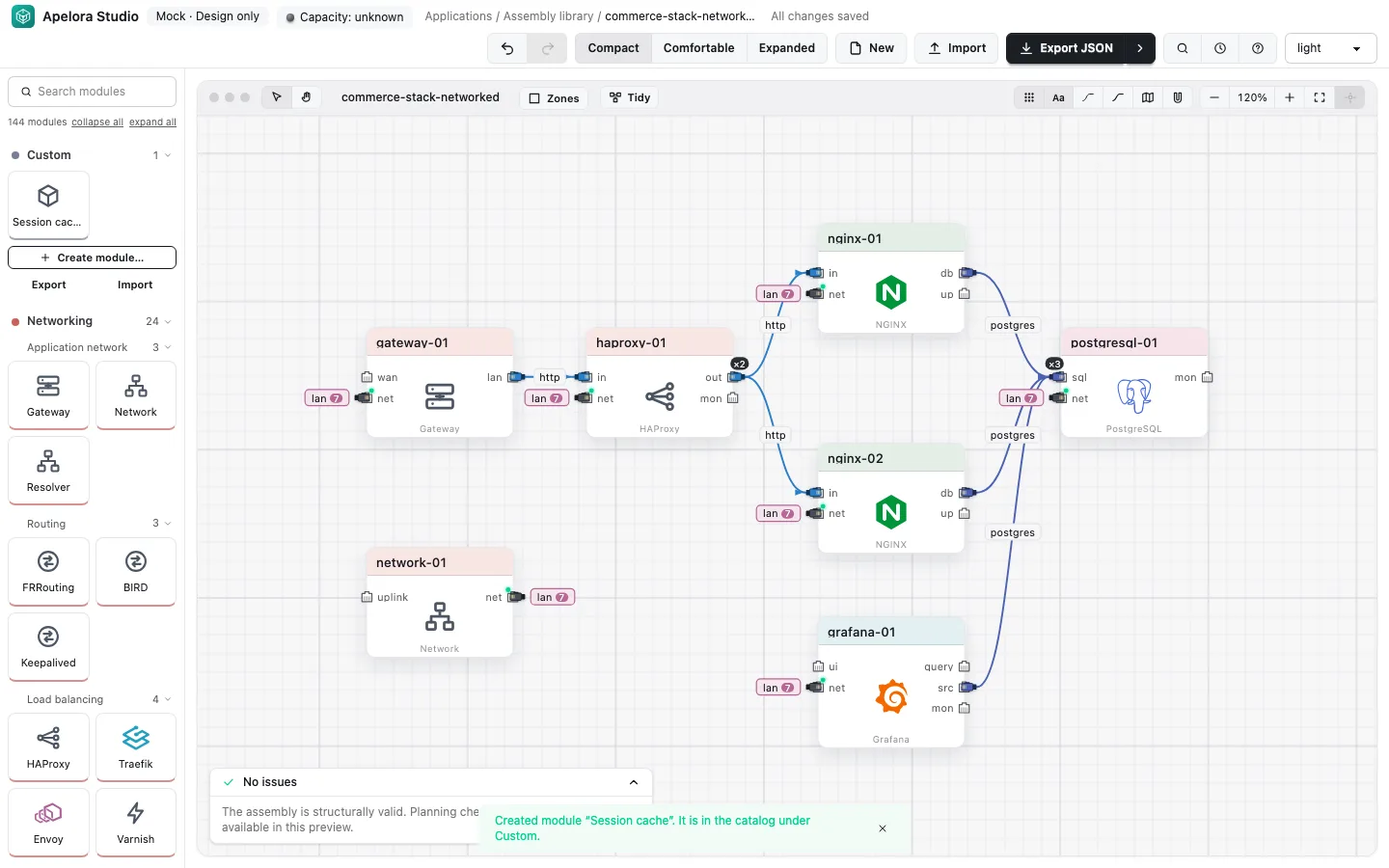
- 7DesignModules, cables, replicas and resources in Studio.
- 8DeployReview the plan, deploy, watch it come up.
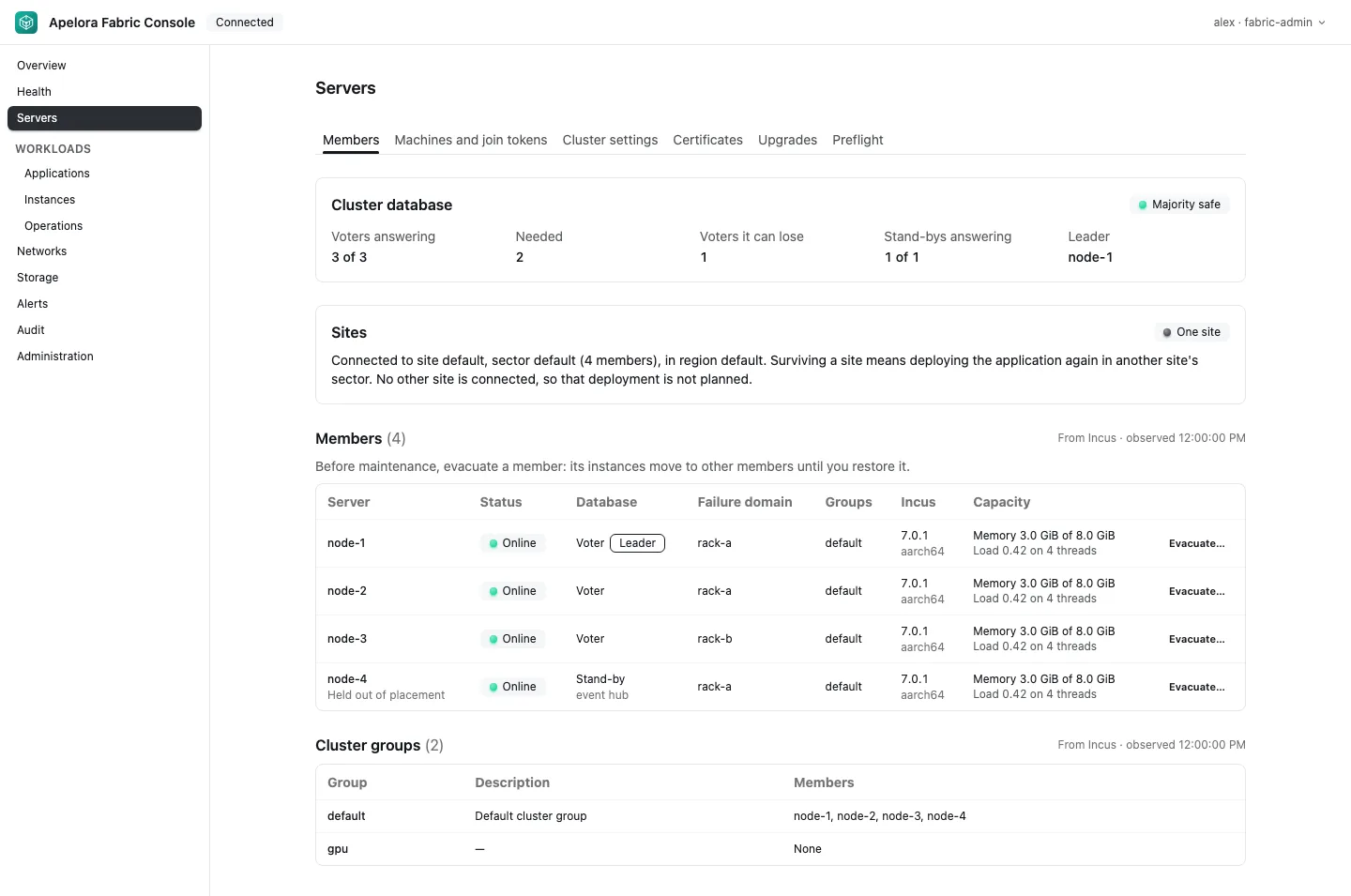
- 9ManageHealth, servers, applications, operations, audit.
- 10When something goes wrongWhere to look, and which runbook to open.
I want to…
| Task | Go to |
|---|---|
| Choose servers and network cards, and plan IP addresses | Servers and network |
| Download and install Incus, and form the cluster | Install Incus |
| Call the API from a script | API overview, then one page per group with a request for every operation |
| Look up a setting | Settings reference |
| Try it without buying hardware | Try it on your workstation |
| Add a server to the cluster | Add a server |
| Set up sign-in with your identity provider | Identity providers |
| Open a terminal into a module | Terminal access |
| Know what happens when a server dies | A server fails |
| Take a server out for maintenance | Maintenance on a server |
| Back up Apelora's database | Back up and restore |
| Run without internet access | Without internet access |
| Understand who can do what | Access, roles and security |
| See which modules exist, and which deploy | Module catalog |
| Understand how the pieces fit | Platform architecture |
Browse by section
- Get startedFrom nothing to a running application: try it, design, deploy and manage.6 pages
- Install and configurePlan the servers and network, install Incus and Apelora, sign in, and look up any setting.7 pages
- OperateDay-to-day tasks and what to do when something fails, step by step.22 pages
- APIThe control plane's REST API: every operation, with parameters, example requests and responses.11 pages
- ReferenceThe module catalog and the ports modules connect through.2 pages
- ConceptsHow Apelora is put together, and why.9 pages
Project status, roadmap, design notes and decisions: Project status and roadmap · Design notes · Decisions · Contribute.
These pages are snapshots of the documentation in the product repository, which is the source of truth. Screenshots show sample data.